
You Should Make Web Games

I recently realized that if it weren’t for the fact that making games for the web was possible, I would have probably never tried game development and stuck with it. While reflecting why this was the case, I came to the conclusion that there are certain characteristics about the web that makes it an ideal platform for beginners and more experienced game developers. That’s why I’d like to convince you to start making web games if you’re not doing so already.
Limitations That Prevents Over-Scoping
A prevalent issue that occurs to most game devs is over-scoping. I recently came across a game dev youtuber who struggled to finish anything and jumped from one incomplete project to another. They were an Unreal Engine solo dev and it was clear that the projects they wanted to make were just too ambitious.
When making games for the web, you’re pretty limited in what you can do graphics wise and even scope wise (assuming you don’t make a browser based MMO that relies on a server).
For example, as long as you don’t rely on a server, a web game will usually save its data in the player’s browser local storage which gets cleared after a week or so of inactivity or when the browser cache is cleared by the user. Because of this, you’ll rarely, if ever, see someone making a game with above a couple of hours of playtime because they know they can’t rely on save data being reliably accessible. This dramatically reduces the scope expected of a web game.
No Pressure in Terms of Playtime
The fact that web games are mostly short experiences is freeing. You don’t have to worry that players will complain due to a lack of content and therefore, feel pressured to inflate the playtime.
With this worry out of the way, you can quickly go from game idea to a completed project and move on to the next idea before you even have the chance to get bored of your previous one. Due to the small scale nature of web games, you can explore different genres easily before finding what you truly like making or what garners the most attention.
This quick iteration possible with web games has a lot of similarities with making YouTube videos. You make a video, you upload it, check its stats, work on the next one where you can improve or try something different.
If you use itch.io to host your games, you get basically the same experience, you get stats where you can see how many views your game has, how many browser plays, if there are any comments, ratings, etc…
Therefore, you get a fast feedback loop which is incredibly motivating as a beginner. You can quickly incorporate improvements in your next projects. Having access to statistics allows you to know if you’re moving in the right direction.
Reaching Players is Ridiculously Easy Even Without an Audience
You might be wondering, how do you get feedback on web games if there are no algorithms like on YouTube to serve your game to a new audience? What if you don’t have a preexisting audience?
It’s true that if you publish your game on itch.io outside of participating in a game jam, you’ll be launching to crickets.
That said, I’d like to make the point that reaching players with a web game is still ridiculously easy even if you don’t have an audience. Let’s explore a few avenues you can try.
Newgrounds
Publishing your game on Newgrounds is an almost guaranteed way to get at least a few players. This is because, when publishing your game on this platform, it has to go through a rating process where the site puts your game in front of real users. After the rating process is done, you’ll get a score on 5 and a few comments. From there your game can either become more popular or stay as is.
Hacker News
While this is a tech forum, people do share games on there from time to time and they do end up on the front page. Usually, people there are technical so if you can also mention how your game was built, you might get more attention. For example, mentioning the programming language, framework, engine, etc… in the title of the post. That said, this is not strictly necessary.



When a link gets popular on Hacker News, you’ll often start seeing it shared elsewhere on your behalf, for example on Reddit, on X/Twitter, etc… this can transform into a snowball effect and make your game viral.
Reddit
It offers a dedicated subreddit for webgames like /r/WebGames where you can post a link to your game. However, try looking beyond that. For example, you can submit your game to /r/CozyGamers if you’re making a cozy game as long you follow the rules.
YouTube/Other Social Media
There is also nothing preventing you from using YouTube and other social media platforms to promote your game. Making devlogs or videos showcasing your game and putting the link to play it in the description is a great way to find new players. That said, at this point, you’re building an audience.
It might take a while to get traction but because these platforms have recommendation algorithms, at some point, some people will come across your game.
The Key : Make Remarkable Games
As with your standard PC game, the success you’ll see using the avenues I just listed depends highly on how remarkable your game is.
The strength of web games is that if you don’t see traction with one project you can quickly spin up a new one and the time you invested in building one is an order of magnitude less thant what it would take to make a Steam release.
Anyway, once one of your web games goes viral, you can invest time in making an expanded version for Steam.
People are More Than Willing to Try a Web Game From an Unknown Developer VS a Downloadable One
This seems obvious. Most people don’t want to download a game from an unknown developer because the risk of getting hacked is high.
In fact, the well known game marketing expert Chriz Zukowski mentions in his post about analyzing itch.io’s traffic that people are 3 times more likely to try your game if it’s playable on the web VS having to download it.
The friction of a web game is near 0, you’ll get more people willing to try it which translates into more people giving feedback, more attention, etc… which will in turn make a beginner more encouraged to continue their game dev journey. This is also useful for more experienced developers to know which project is worth spending more time on.
The web is also not just for completed games. Let’s say you’re having trouble finishing a project, you can still publish it as cool prototype and it will garner attention if it’s good. This will in turn maybe motivate you to push through or have a better idea of what to work on next. Contrast this with making the same project available only through a download. Nobody is going to install a 15 minute game or prototype.
You Can Expand and Bring a Web Game to Steam Easily
Most people who ridicule web games, probably think of mobile-y casual games you find on web portals that are played by children during their computer lab classes. While there are games that serve this purpose, it’s a huge mistake to view them as just that. Web games can also serve as a wonderful litmus test to determine which game ideas and concepts are worth investing time into for a full release on Steam. Web games are therefore, great for validation.
Chris Zukowksi, the game marketing expert that I mentioned previously, confirmed that this strategy actually works really well. You can check out the post were he lays this out, here.
Anyway, I’d like to emphasize that if you’re using web technologies (HTML/CSS/JS) to make web games, you’re not stuck on the web. The process of bringing a web game to Steam has never been easier.
Before, you had to configure tools like Electron to build executables for Windows, Mac and Linux. A process that took time to get right. You also had to spend additional time to configure your game’s Steam integration so you could access features like Steam achievements.
However, now there is a convenient tool called GemShell that comes with a one-click export feature to build for Windows/Mac/Linux all at once on the same machine and an easy integration with Steam. I have partnered with its developer, to offer you a 15% discount if you purchase the tool using the following link : https://l0om.itch.io/jslegend.
To be completely transparent, if you end up purchasing GemShell using the link above, I’ll get a cut of that sale.
That said, you can try the lite version for free first to see if this tool suits your needs.
You Get To Build Skills Useful Outside of Game Development
If you invest time in learning web technologies to make web games, the skills you’ll acquire will expand what you can build beyond just games. You’ll be able to build unique projects that sits between game development and web development.
The most prominent example of this, are the kind of projects you can find on the famous neal.fun website.

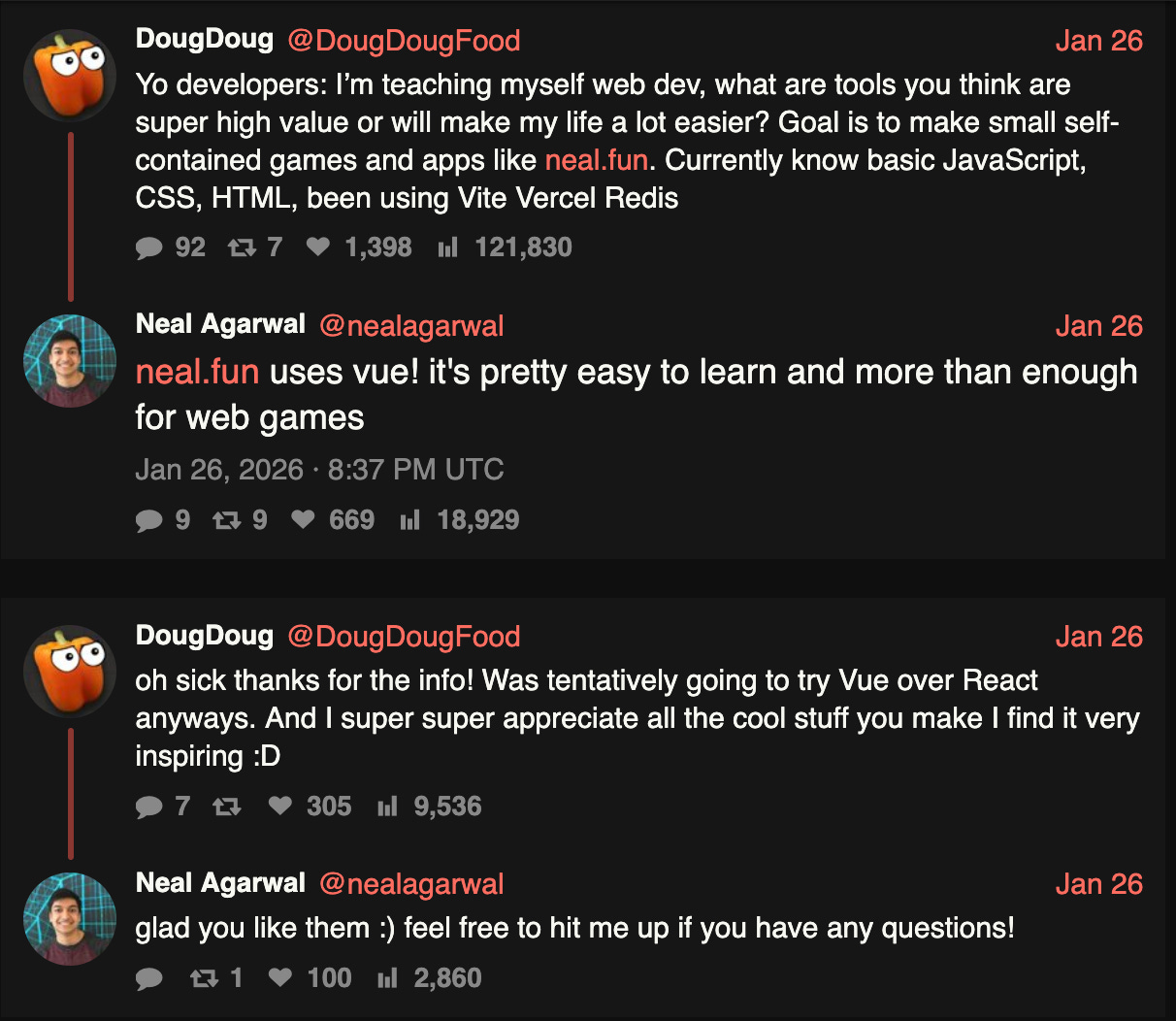
According to what I’ve found online, Neal uses the Vue.js JavaScript framework to build his unique games and interactive sites that go regularly viral online.
For example, one of Neal’s project is a website in which you must prove you’re not a robot by completing a series of CAPTCHA mini games.
Finally, nothing prevents you from using your web skills to build apps or game dev tools that can be easily shared with others.
Conclusion
To conclude, making games for the web is an ideal way to get into and stick with game development because of the platform’s natural constraints which encourage small finishable projects allowing the developer room for experimentation.
Since web games don’t require a download to try them, this makes it far easier to get your games in front of players even with no prior audience by sharing them on various platforms like Newgrounds, Hacker News, Reddit, etc... Therefore, you have a quick feedback loop through views, comments, ratings allowing you to remain motivated to continue your game dev journey.
Finally, successful web games can serve as validation and be expanded into a full Steam releases.
I hope you enjoyed this post, I recommend subscribing to not miss out on future releases.
In the meantime, you can read the following :


I agree. They’re compact and deliberate.